
| Linuxコマンド |
| 用語集 |
| debian メモ |
| apache2 メモ |
| MySQL メモ |
| Oracle メモ |
| PostgreSQL |
| HOME |
AWS CLIをインストールします。
◆環境| OS | Windows 10 Home 20H2 64bit |
|---|
AWS CLIのWindows用のインストーラーをダウンロードします。
AWSCLIV2.msi
右クリックし「インストール」を選択します。
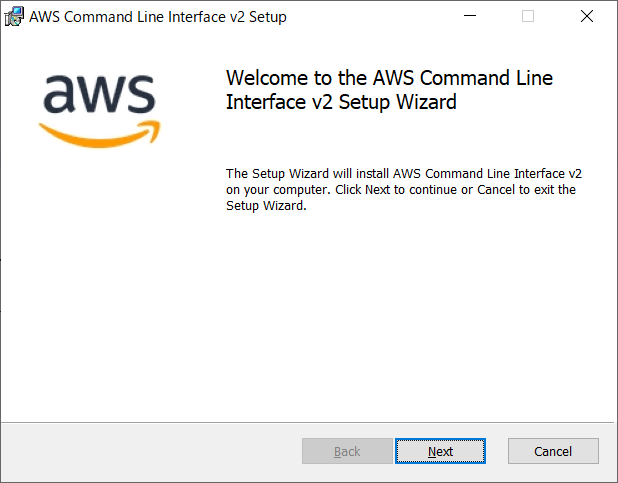
「Next」をクリックします。
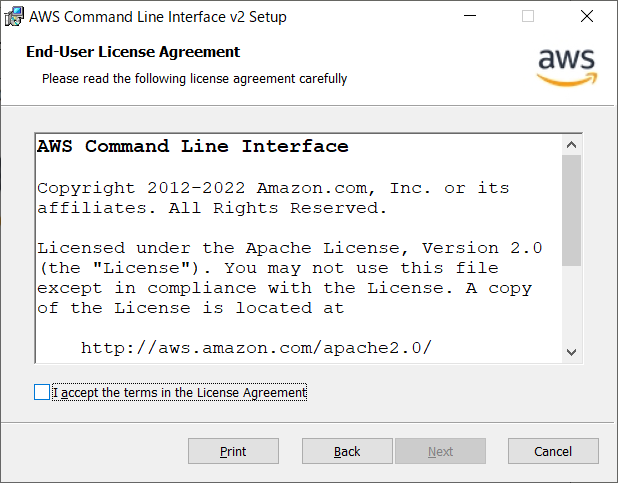
「I accept the terms in the License Agreement」をチェックし「Next」をクリックします。
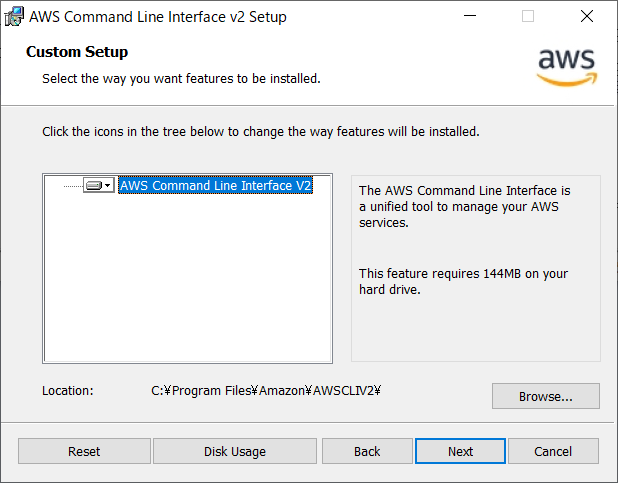
「Next」をクリックします。
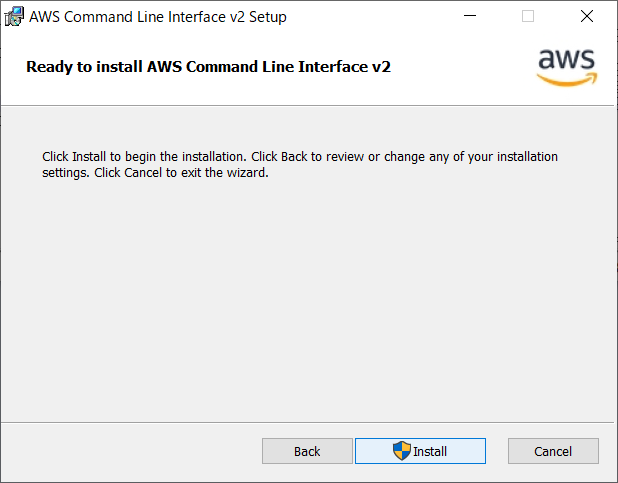
「Install」をクリックします。
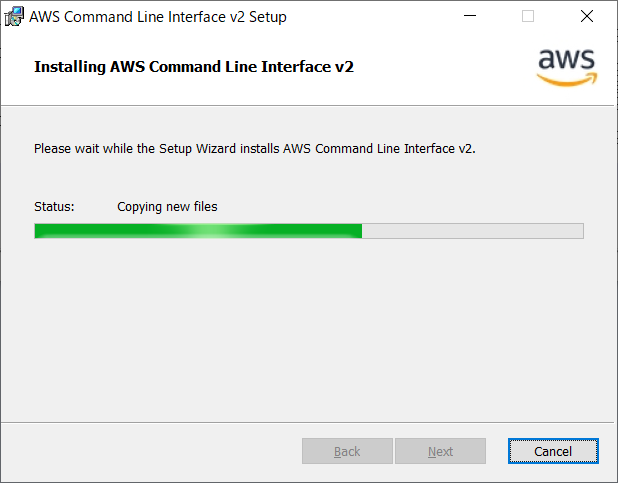
数十秒でインストールが終わります。
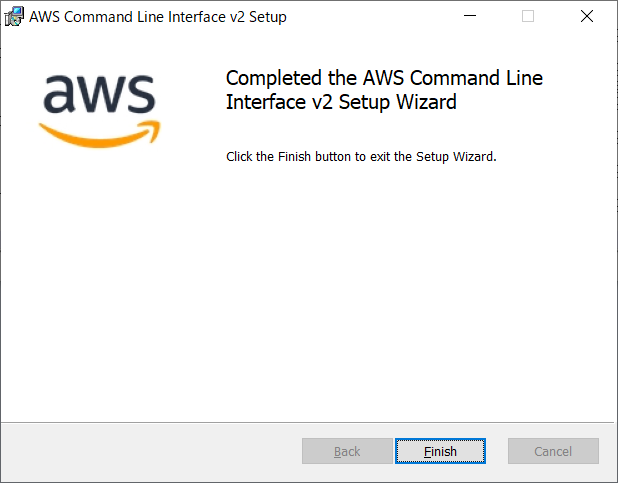
「Finish」をクリックします。
コマンドプロンプトを開きます。
C:\>aws --version
aws-cli/2.12.3 Python/3.11.4 Windows/10 exe/AMD64 prompt/off
aws-cli/2.12.3 Python/3.11.4 Windows/10 exe/AMD64 prompt/off
正常にインストールできたようです。
関連項目
AWSアクセスキー
AWS CLI② profileの作成と確認
Copyright (C) 2023 - 2025 ymlib.com