
| サンプル集 |
|
■VC ■C# ■Java ■BorlandC ■LinuxC ■MS-DOS ■bash ■Excel VBA ■VBScript ■PHP ■HTML ■perl ■iPhone ■Android ■Lua ■WordPress ■PowerShell ■Python ■Flutter ■Rust ■other |
| Linuxコマンド |
| 用語集 |
| debian メモ |
| apache2 メモ |
| MySQL メモ |
| Oracle メモ |
| HOME |
Gitを使ってみます。
◆環境| OS | Windows 10 Home 22H2 64bit |
|---|
Gitのインストール
Gitで検索しページを開きます。

Downloadsをクリックします。
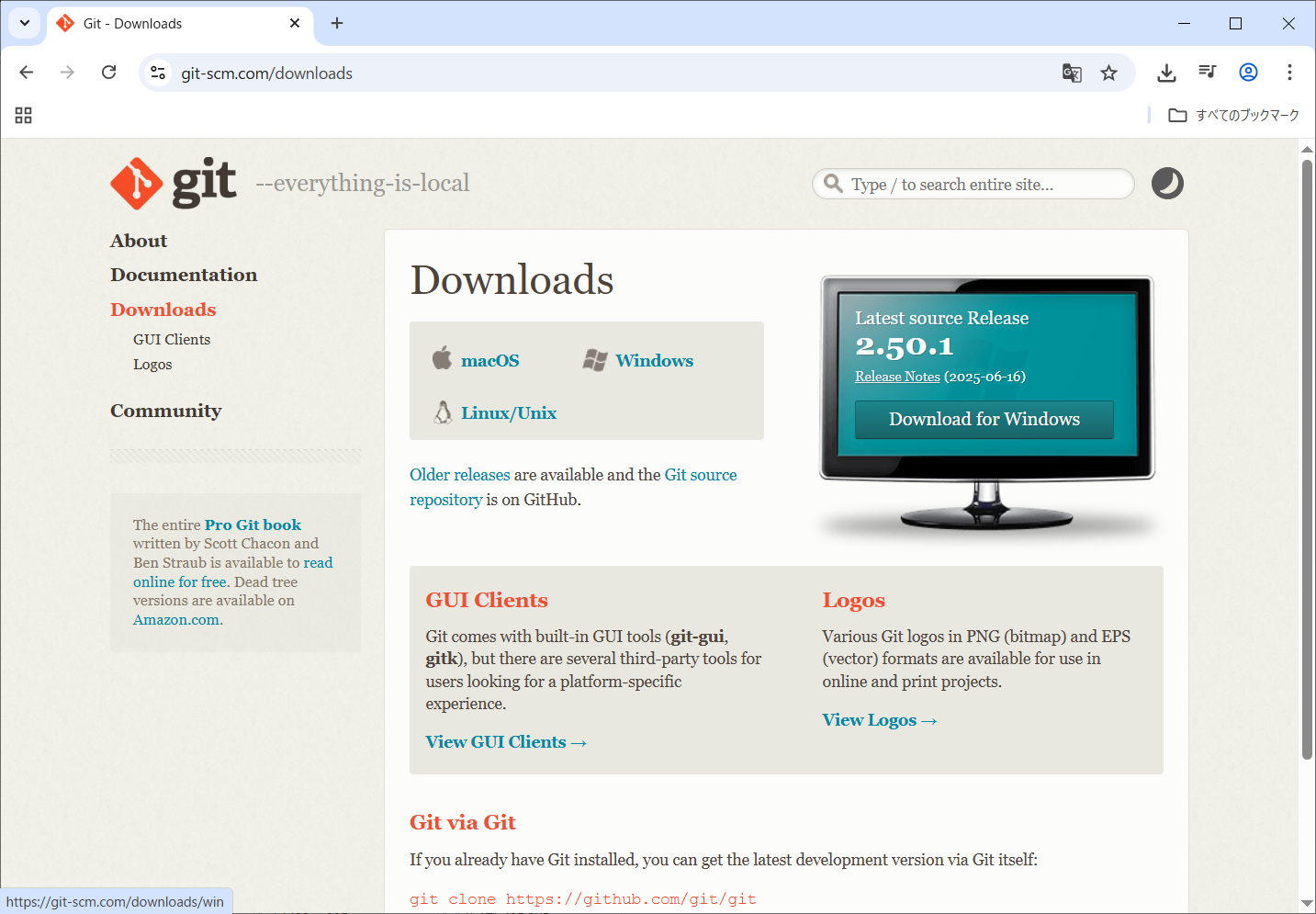
Windowsをクリックします。
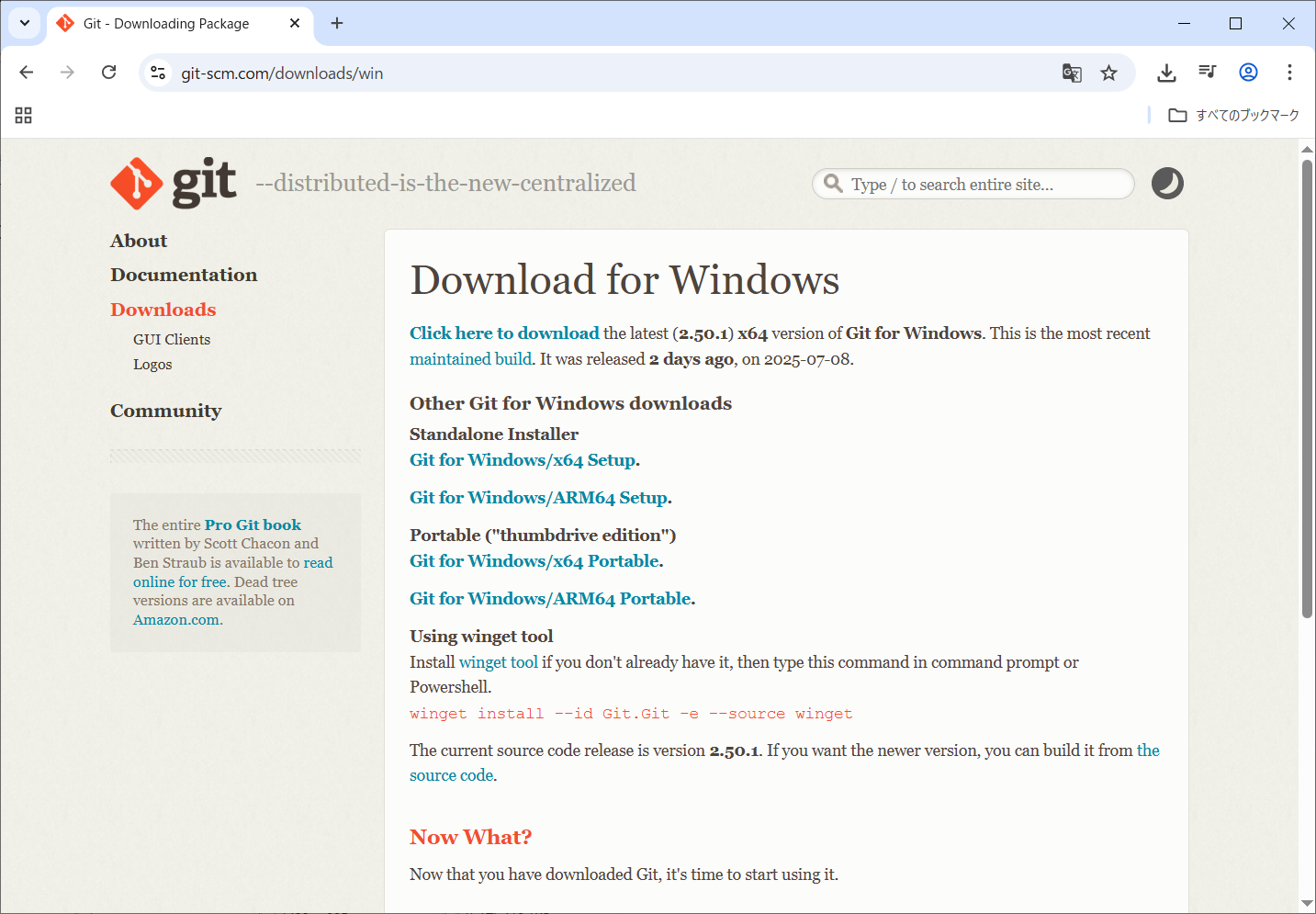
Standalone Installer欄のGit for Windows/x64 Setup.をクリックします。
以下のファイルがダウンロードされました。
Git-2.50.1-64-bit.exe
管理者で実行します。
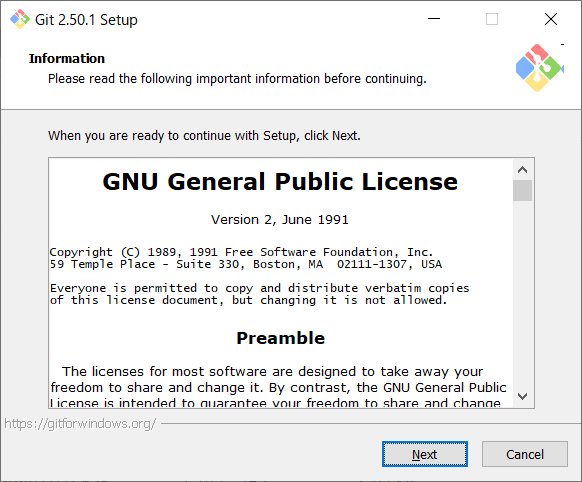
「Next」をクリックします。
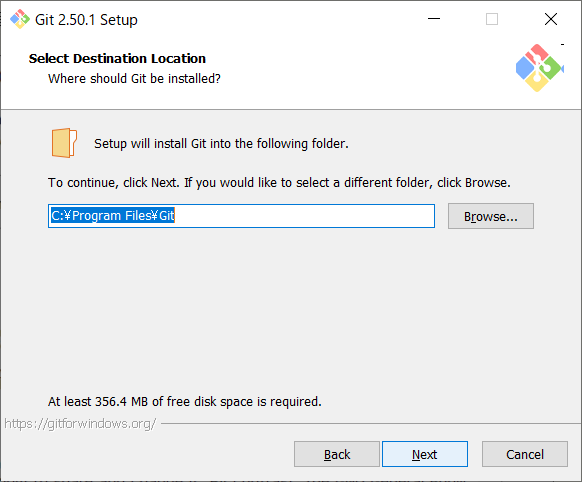
「Next」をクリックします。
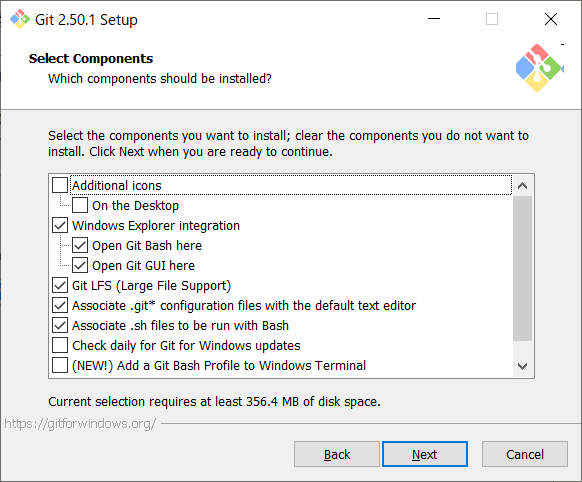
「Next」をクリックします。
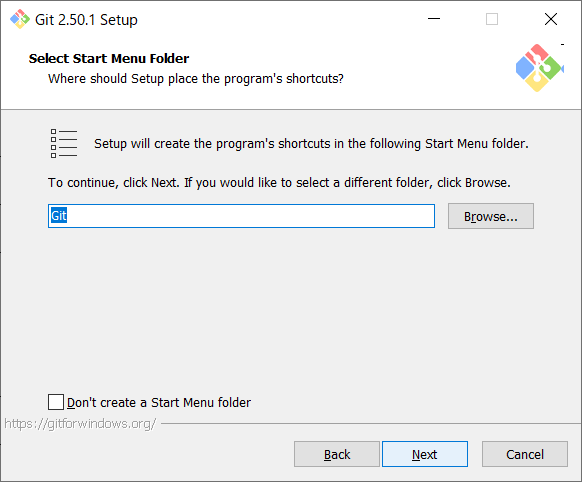
「Next」をクリックします。
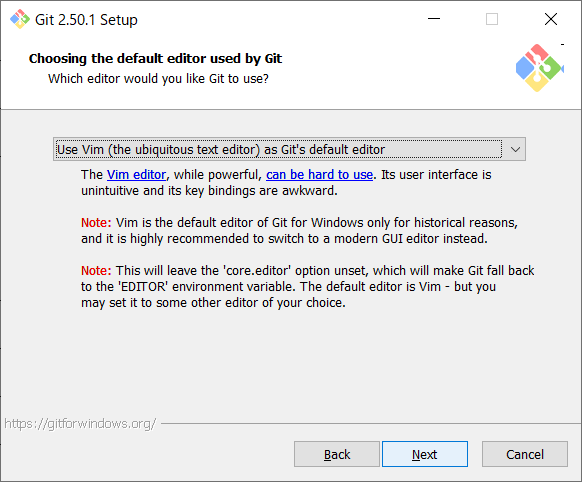
「Next」をクリックします。
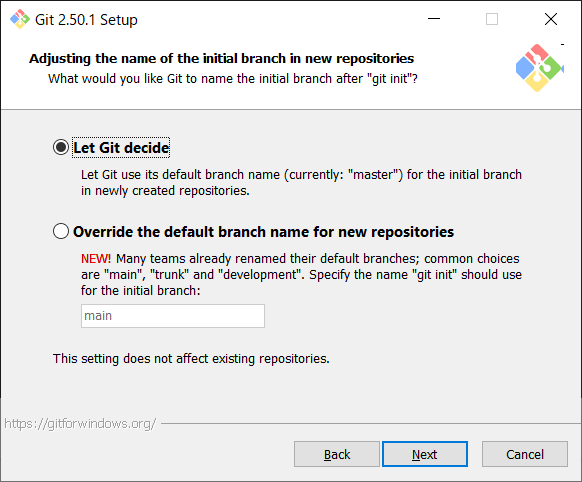
「Next」をクリックします。
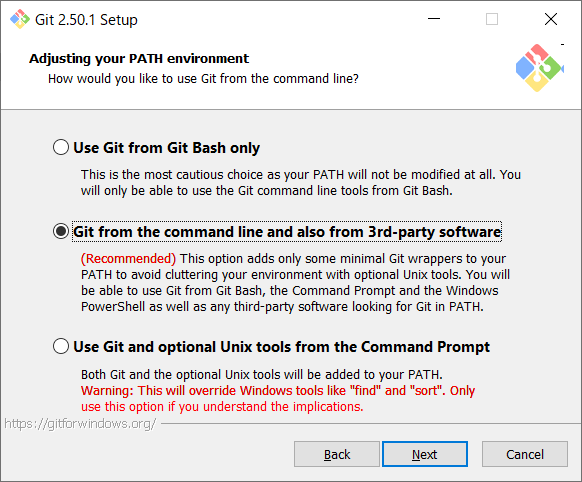
「Next」をクリックします。
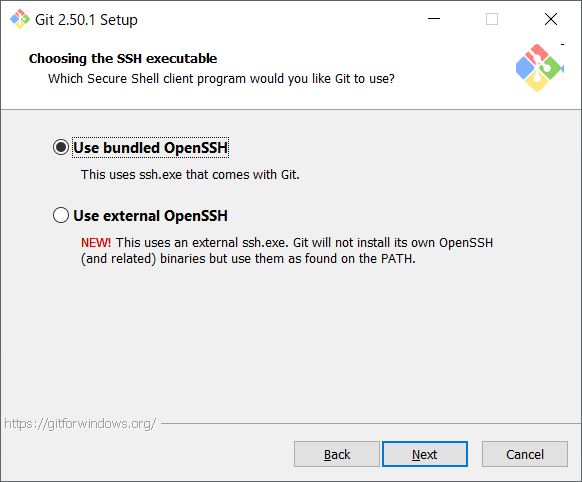
「Next」をクリックします。
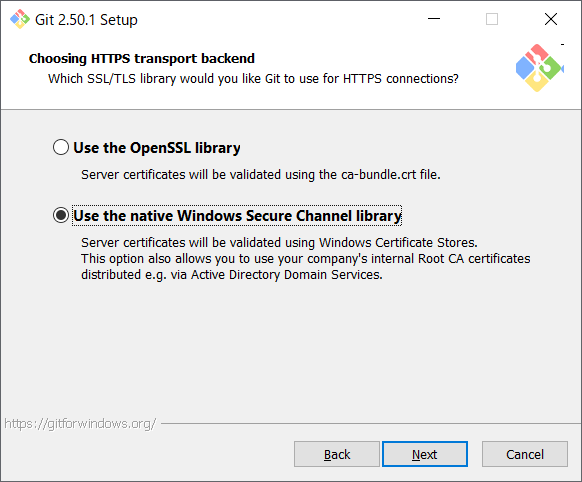
「Next」をクリックします。
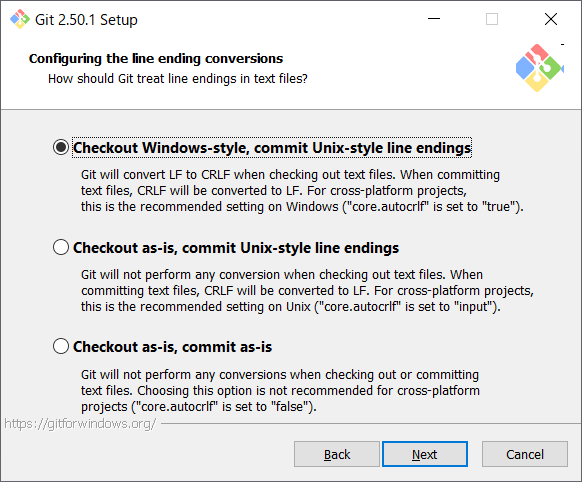
「Next」をクリックします。
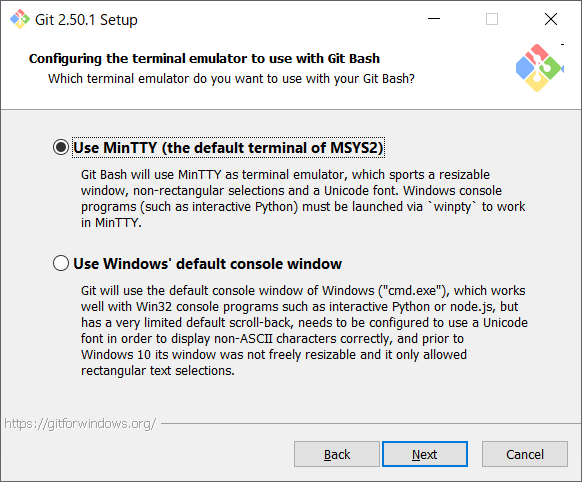
「Next」をクリックします。
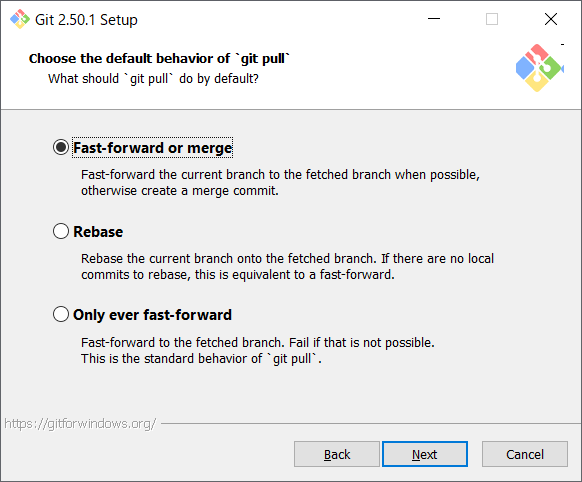
「Next」をクリックします。
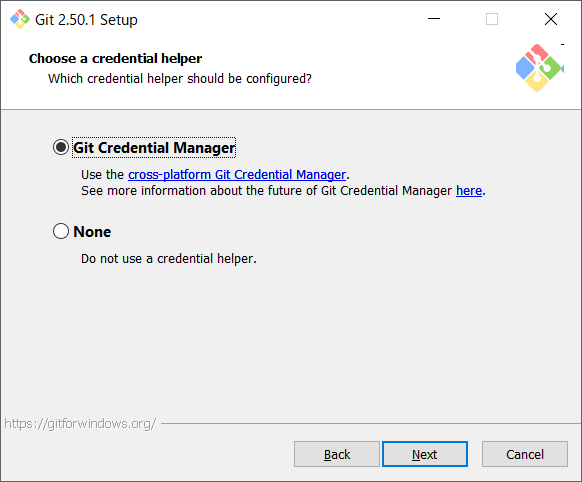
「Next」をクリックします。
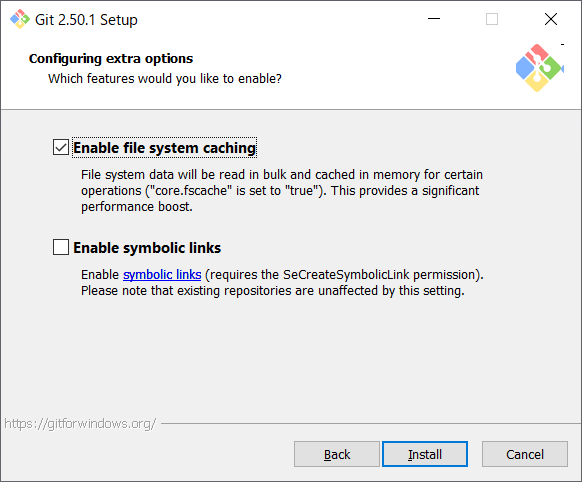
「Install」をクリックします。
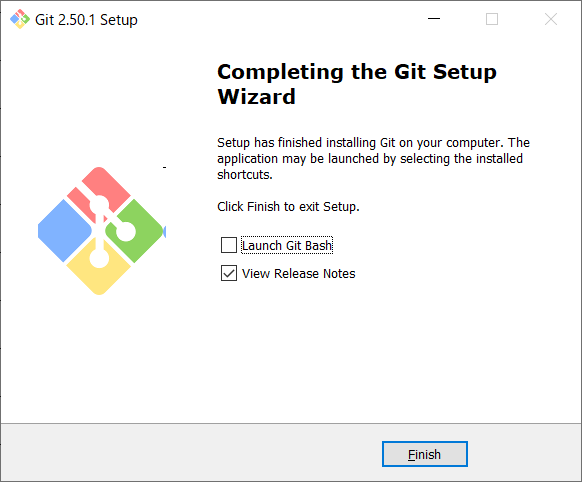
「Finish」をクリックします。
スタートからGitを開きます。
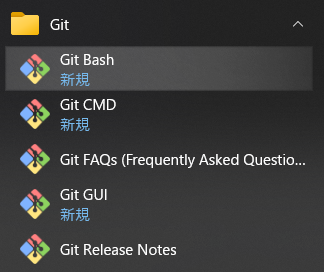
「Git Bash」をクリックします。
git versionコマンドを実行します。
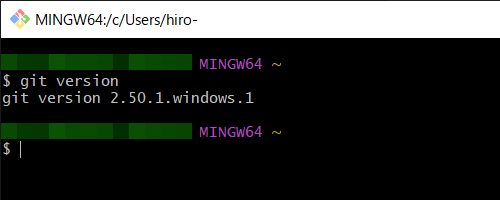
正常にインストールできたようです。
GitHubの登録
githubで検索します。

ページを開きます。
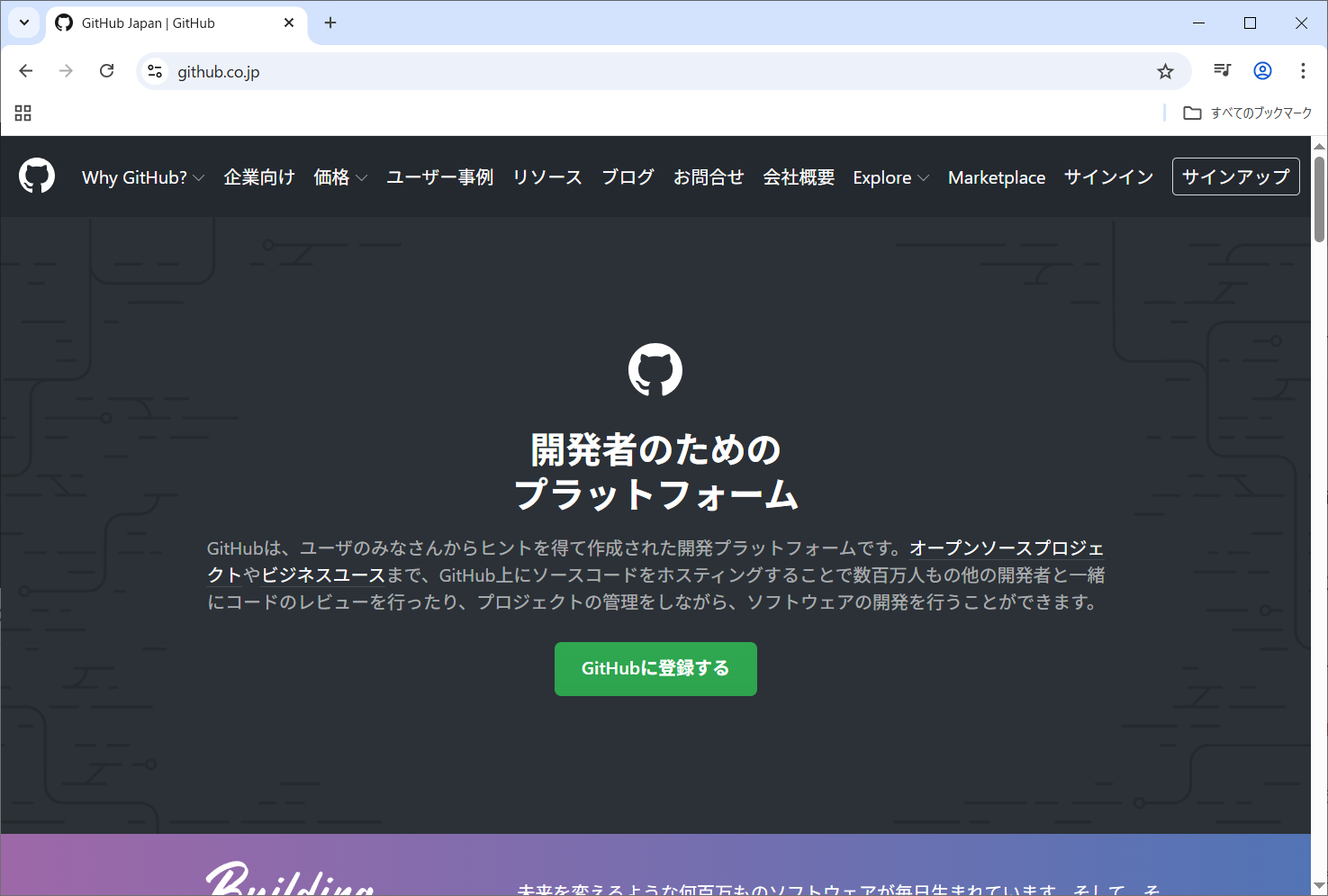
右上の「サインアップ」をクリックします。
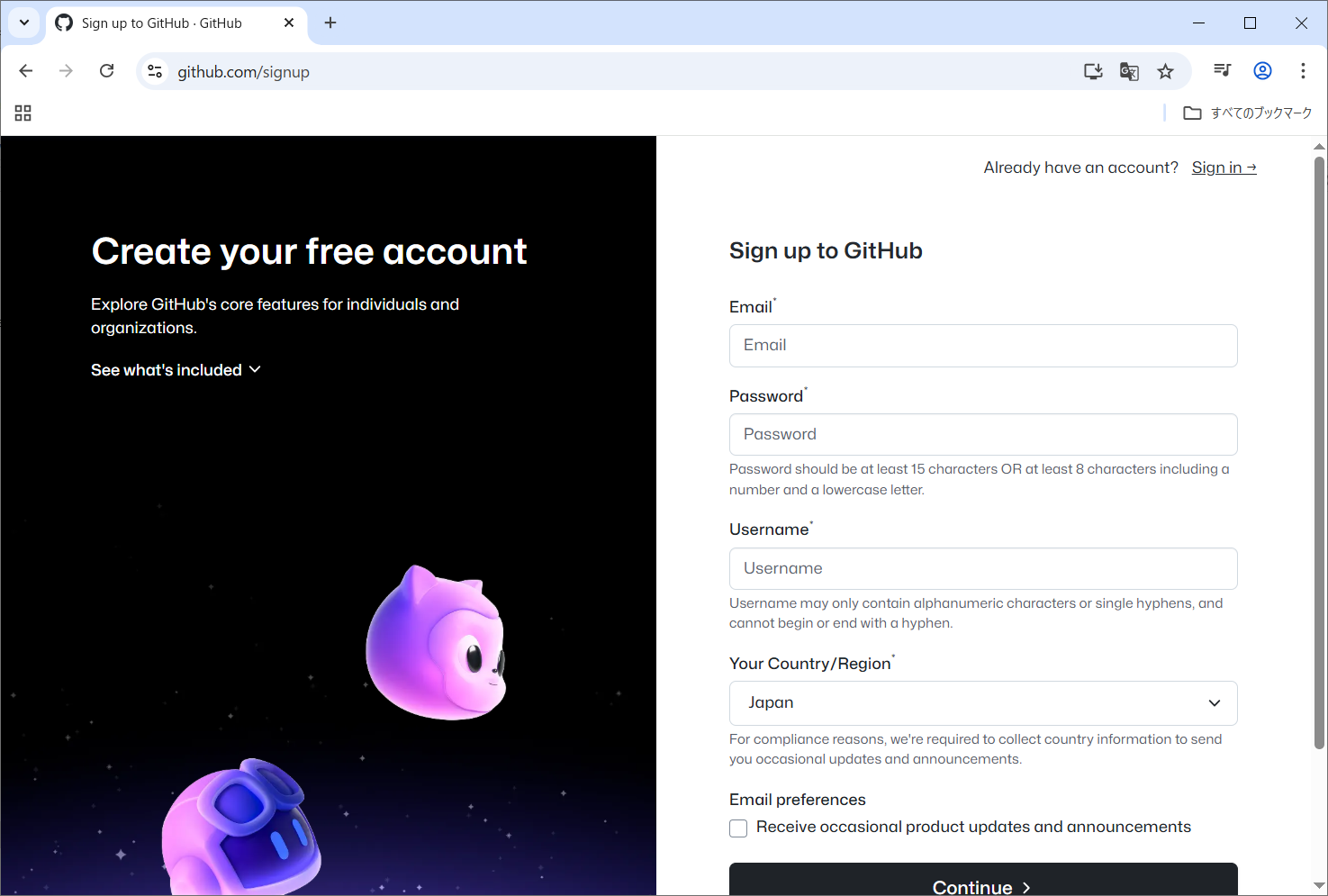
「Sign in」をクリックしサインインします。
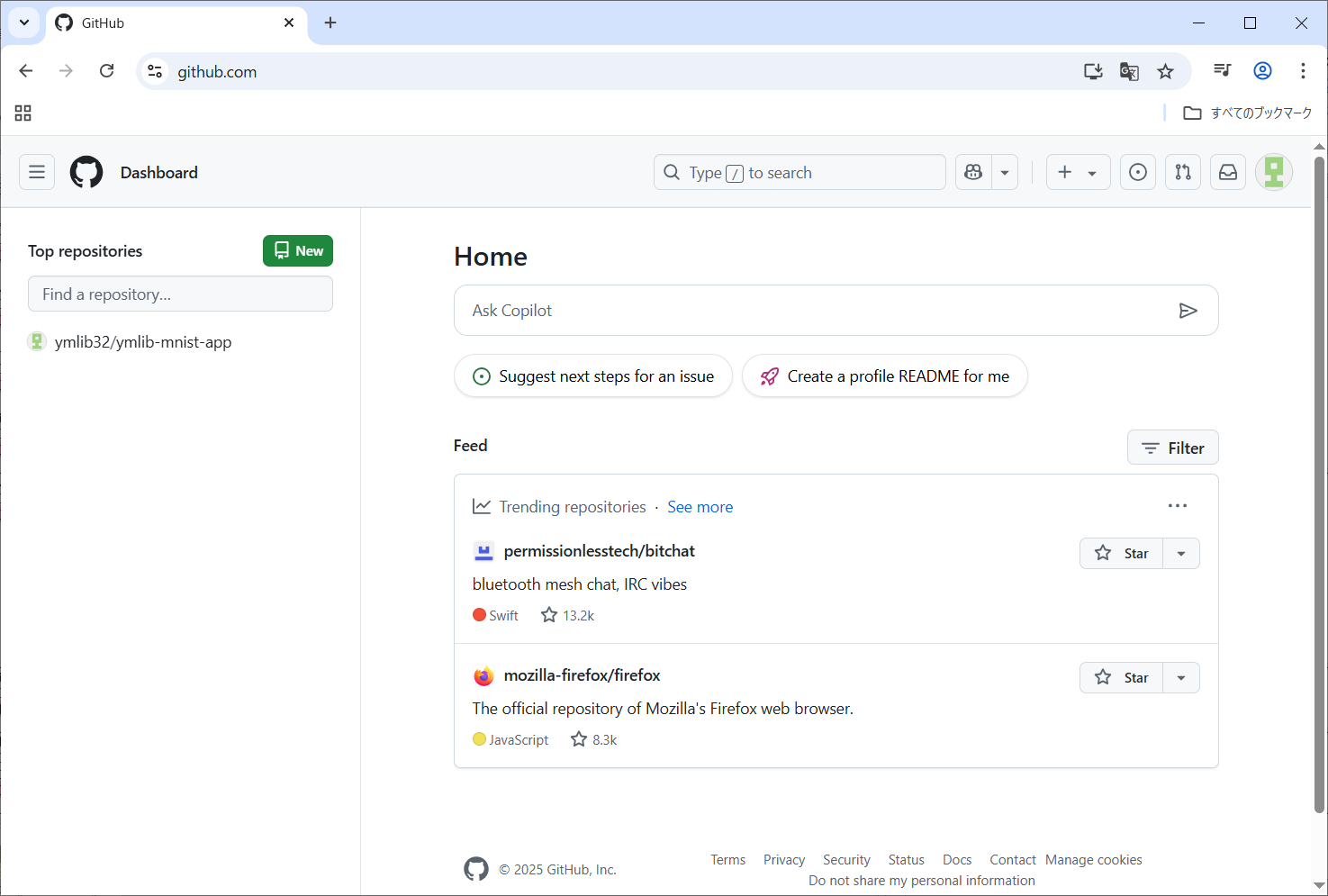
無事にサインインできました。
Gitの初期設定
Gitの設定をします。
git config --global user.name "github user name"
git config --global user.email hoge@fuge.com
git config --global core.editor vim
git config user.name
git config user.email
git config core.editor
git config --list
cat ~/.gitconfig
git config --global user.email hoge@fuge.com
git config --global core.editor vim
git config user.name
git config user.email
git config core.editor
git config --list
cat ~/.gitconfig
ユーザー名、メールアドレス、エディターを設定します。
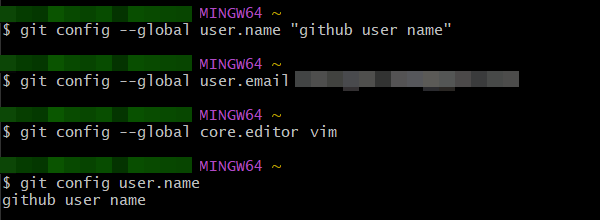
設定内容を確認します。
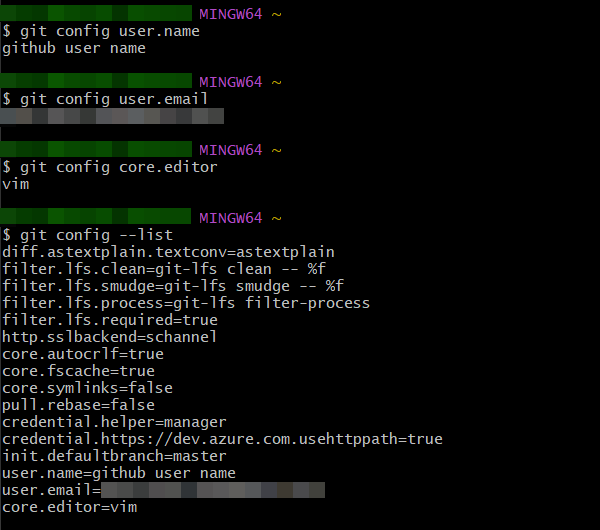
設定はgit.configファイルに記載されています。
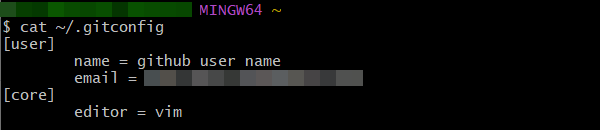
無事設定できたようです。
Copyright (C) 2025 ymlib.com