
| サンプル集 |
|
■VC ■C# ■Java ■BorlandC ■LinuxC ■MS-DOS ■bash ■Excel VBA ■VBScript ■PHP ■HTML ■perl ■iPhone ■Android ■Lua ■WordPress ■PowerShell ■Python ■Flutter ■Rust ■Node.js ■other |
| Linuxコマンド |
| 用語集 |
| debian メモ |
| apache2 メモ |
| MySQL メモ |
| Oracle メモ |
| PostgreSQL |
| HOME |
chronoクレートを使い日付を表示してみます。
◆環境| OS | Windows 10 Home 22H2 64bit |
|---|---|
| rustc | 1.86.0 |
| cargo | 1.86.0 |
クレートとは
- Rustのプログラムを構成する要素でライブラリ、ソースコード、設定など全てが収められている。
- クレートにはバイナリクレートとライブラリクレートがある。
- クレートは別のクレートを呼び出して使用することもできる。
| バイナリクレート | ライブラリクレート |
|---|---|
|
|
パッケージとは
- 1つ以上のクレートの集合
- cargo newで作成すると1つのバイナリクレートが作成される
- ライブラリクレートは1個だけ含むことができる
- バイナリクレートは何個でも含むことができる
クレートの取得
クレートは https://crates.io/ で公開したり他社が作って公開されているクレートを取得することができるようです。
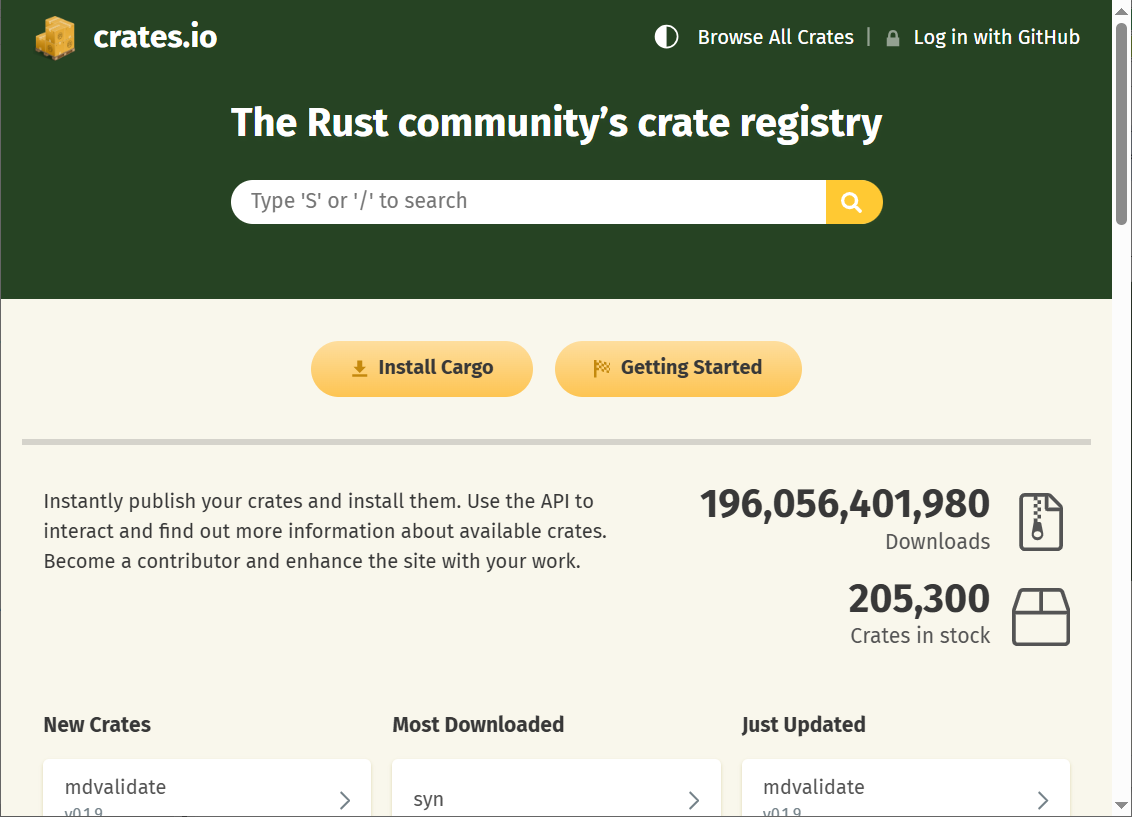
crate.ioからクレートを取得したい場合、Cargo.tomlの[dependencies]セクションに使用したいクレートとバージョンを指定することで取得できます。
chronoクレートを使い日付を表示
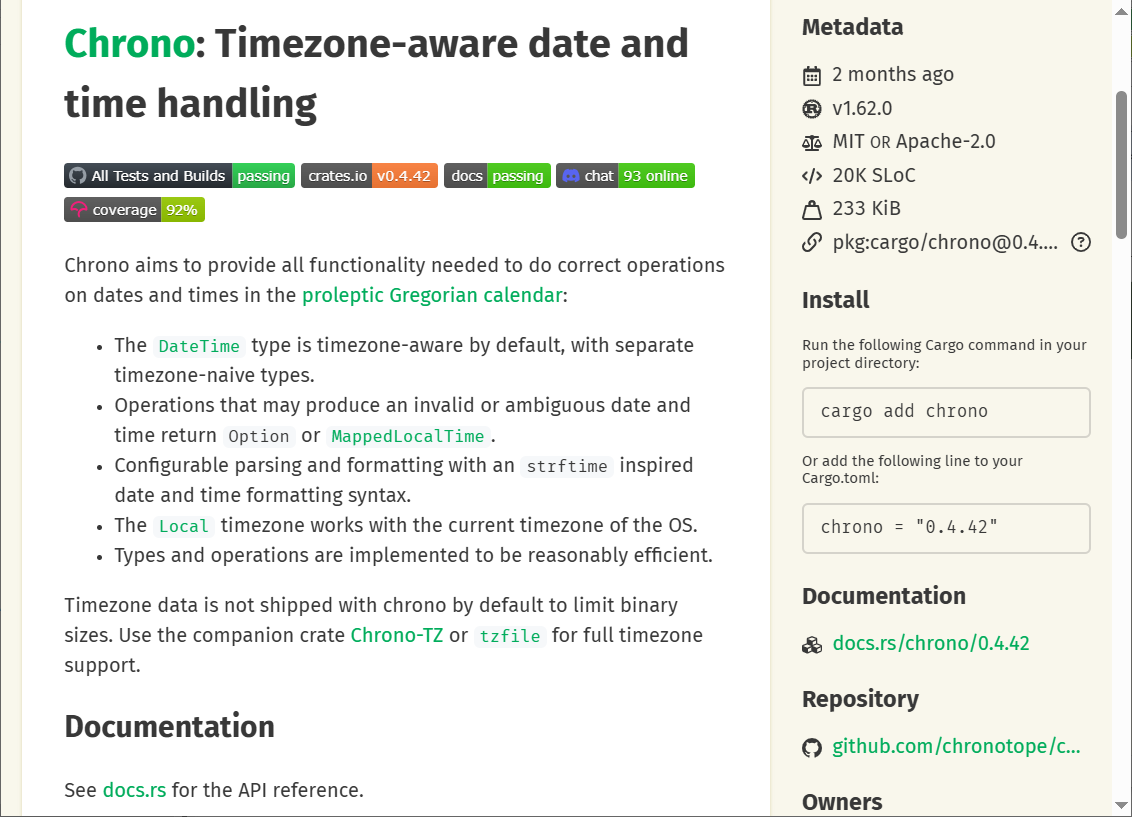
日付を扱うためにchronoクレートを使います。 crates.ioでchronoと検索します。
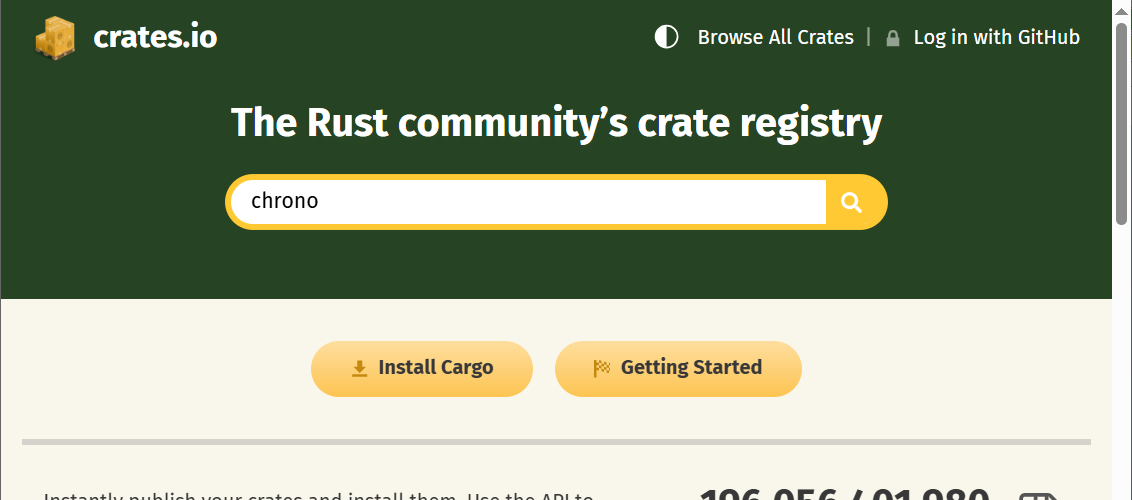
chronoをクリックします。
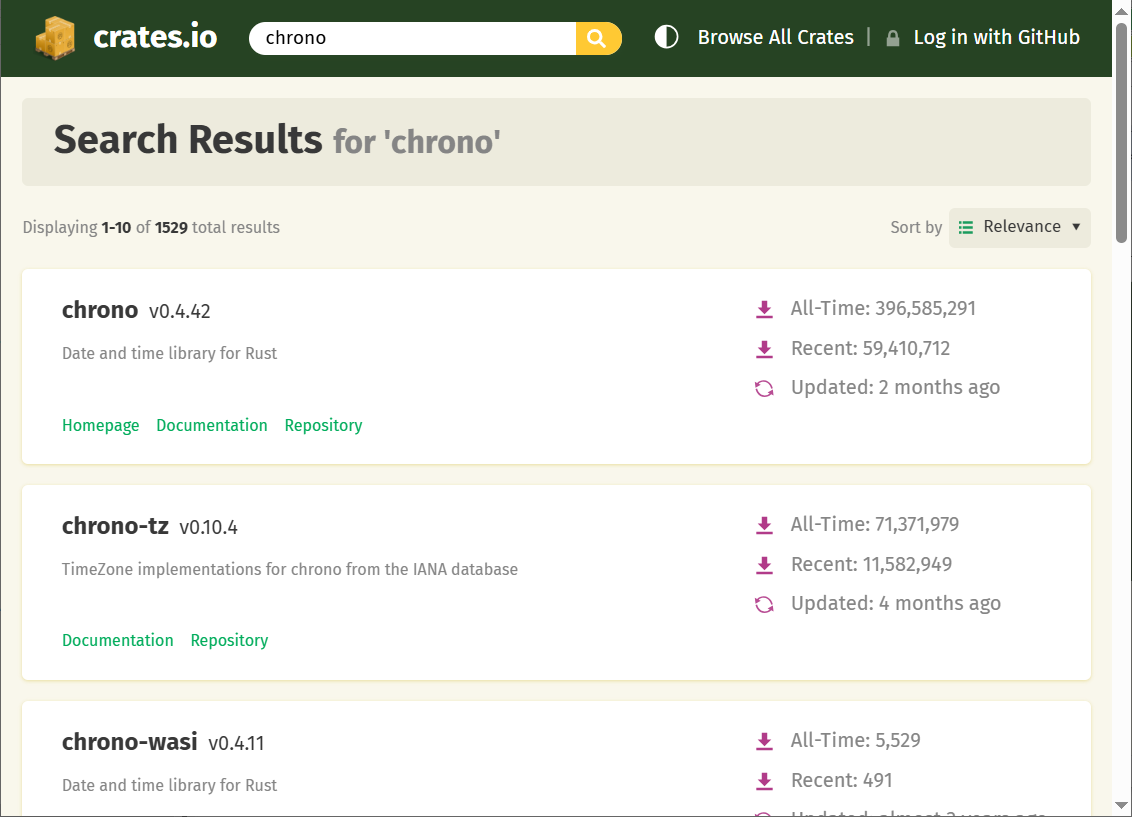
下にスクロールさせます。
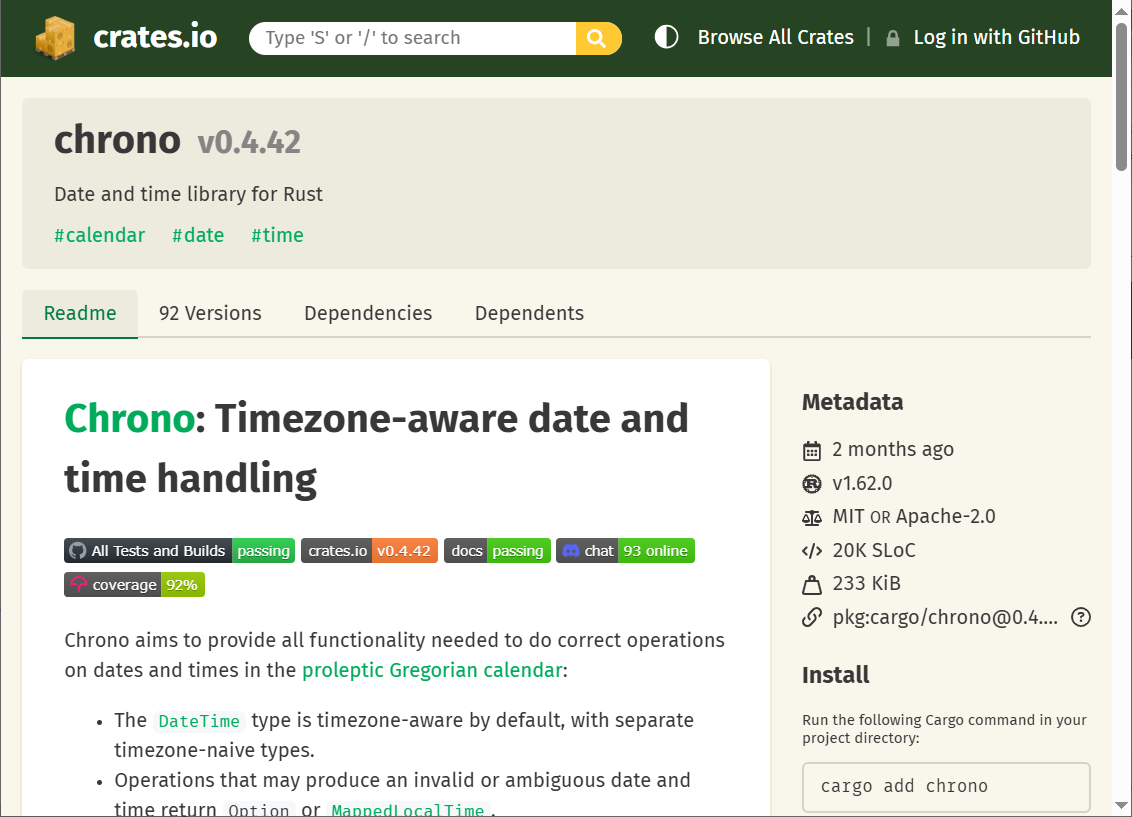
右のInstallにインストール方法の記載がありました。
cargo newでプロジェクトを作成します。
>cargo new YMWRust01201
Creating binary (application) `YMWRust01201` package
warning: the name `YMWRust01201` is not snake_case or kebab-case whic
 h is recommended for package names, consider `ymwrust01201`
note: see more `Cargo.toml` keys and their definitions at https://doc
.rust-lang.org/cargo/reference/manifest.html
Creating binary (application) `YMWRust01201` package
warning: the name `YMWRust01201` is not snake_case or kebab-case whic
h is recommended for package names, consider `ymwrust01201`note: see more `Cargo.toml` keys and their definitions at https://doc
.rust-lang.org/cargo/reference/manifest.htmlcrates.ioに記載の通りにCargo.tomlに追記します。
| Cargo.toml | ||
|
Utc::now()とLocal::now()で日時を取得し表示してみます。
| main.rs | ||
|
cargo runで実行してみます。
> cargo run
Compiling YMWRust01201 v0.1.0 (C:\src\YMWRust01201)
Finished `dev` profile [unoptimized + debuginfo] target(s) in 0.2
5s
Running `target\debug\YMWRust01201.exe`
2025-11-15 00:52:54.212418900 UTC
2025-11-15 09:52:54.212624800 +09:00
Compiling YMWRust01201 v0.1.0 (C:\src\YMWRust01201)
Finished `dev` profile [unoptimized + debuginfo] target(s) in 0.2
5sRunning `target\debug\YMWRust01201.exe`
2025-11-15 00:52:54.212418900 UTC
2025-11-15 09:52:54.212624800 +09:00
期待通りに動作しました!
Copyright (C) 2025 ymlib.com