
| サンプル集 |
|
■VC ■C# ■Java ■BorlandC ■LinuxC ■MS-DOS ■bash ■Excel VBA ■VBScript ■PHP ■HTML ■perl ■iPhone ■Android ■Lua ■WordPress ■PowerShell ■Python ■Flutter ■Rust ■Node.js ■other |
| Linuxコマンド |
| 用語集 |
| debian メモ |
| apache2 メモ |
| MySQL メモ |
| Oracle メモ |
| PostgreSQL |
| HOME |
郵便番号から住所を検索してみます。
◆環境| OS | Windows 10 Home 22H2 64bit OS x64 プロセッサ |
|---|---|
| Flutter | 3.32.6 |
| Dart | 3.8.1 |
| Android Studio | Meerkat 2024.3.1 |
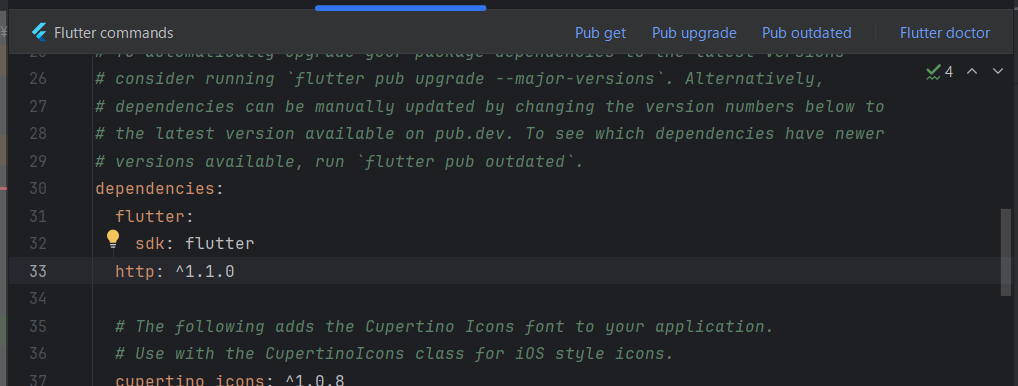
~/pubspec.yamlのdependenciesにhttp: ^1.1.0を追記します。
略
:
# versions available, run `flutter pub outdated`.
dependencies:
flutter:
sdk: flutter
http: ^1.1.0
# The following adds the Cupertino Icons font to your application.
:
以下略
:
# versions available, run `flutter pub outdated`.
dependencies:
flutter:
sdk: flutter
http: ^1.1.0
# The following adds the Cupertino Icons font to your application.
:
以下略
Pub getをクリックします。
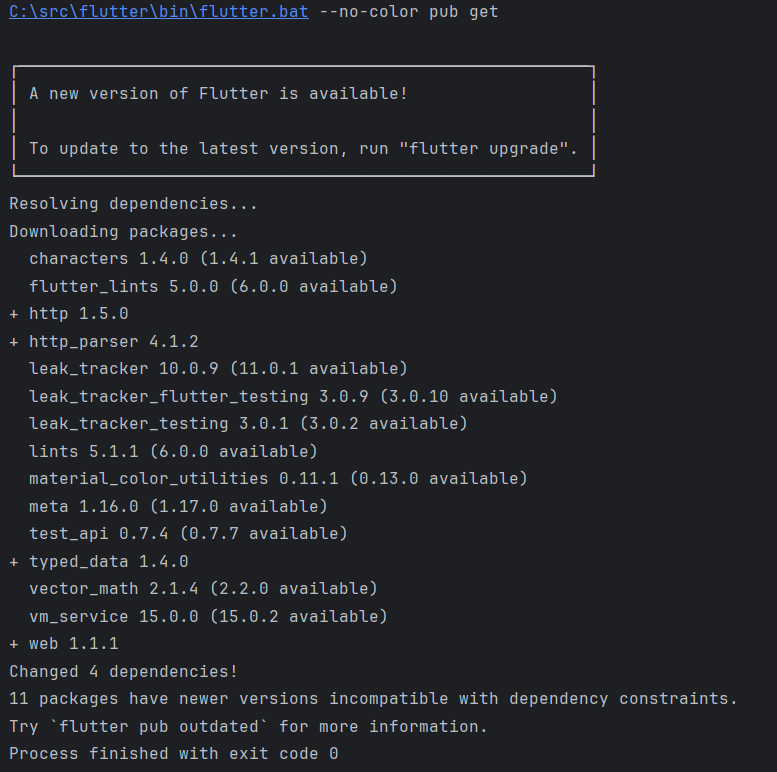
httpが追加された模様です。
~/lib/main.dartを編集します。
| main.dart | ||
|
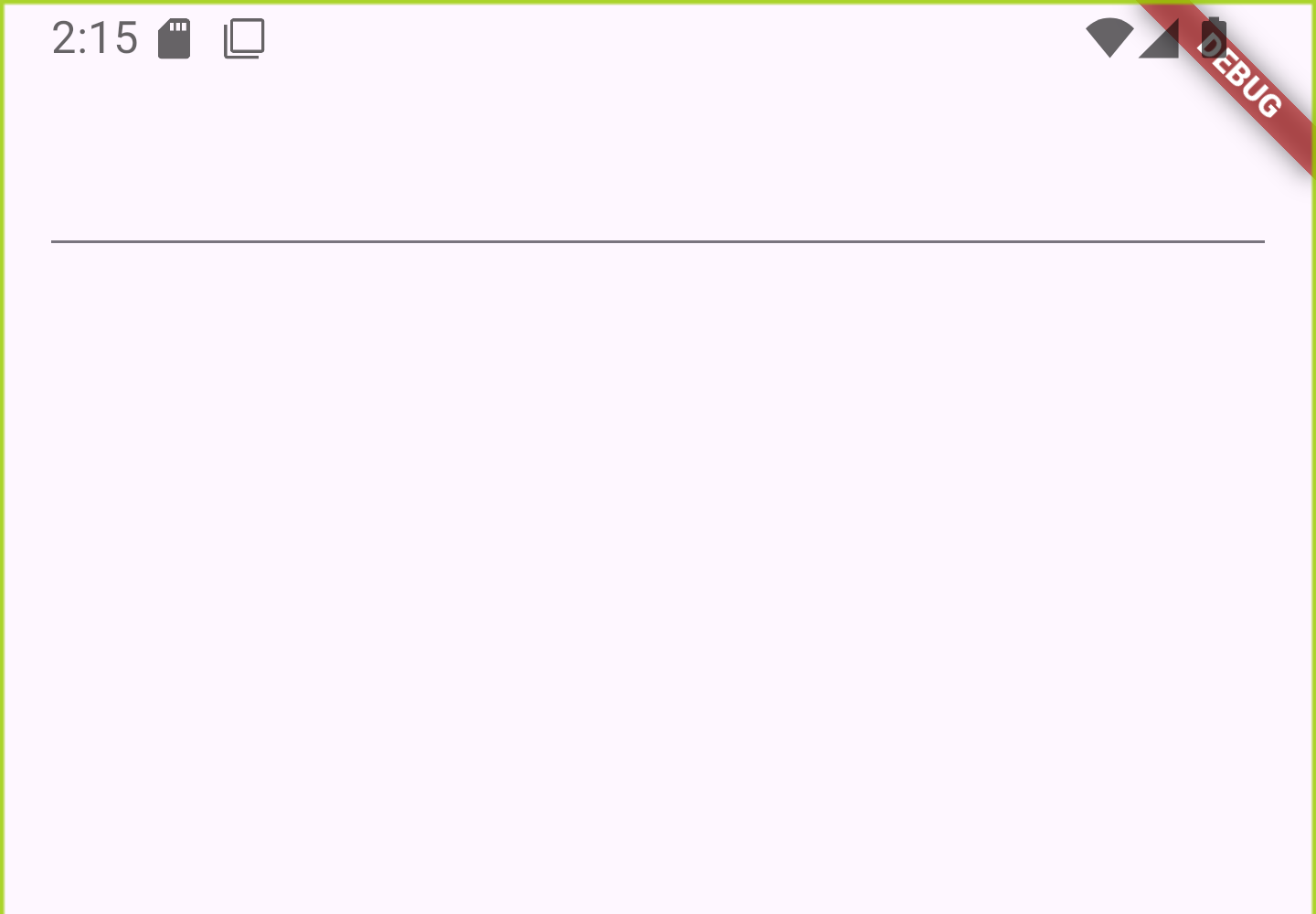
起動してみます。
1と入力してみます。。
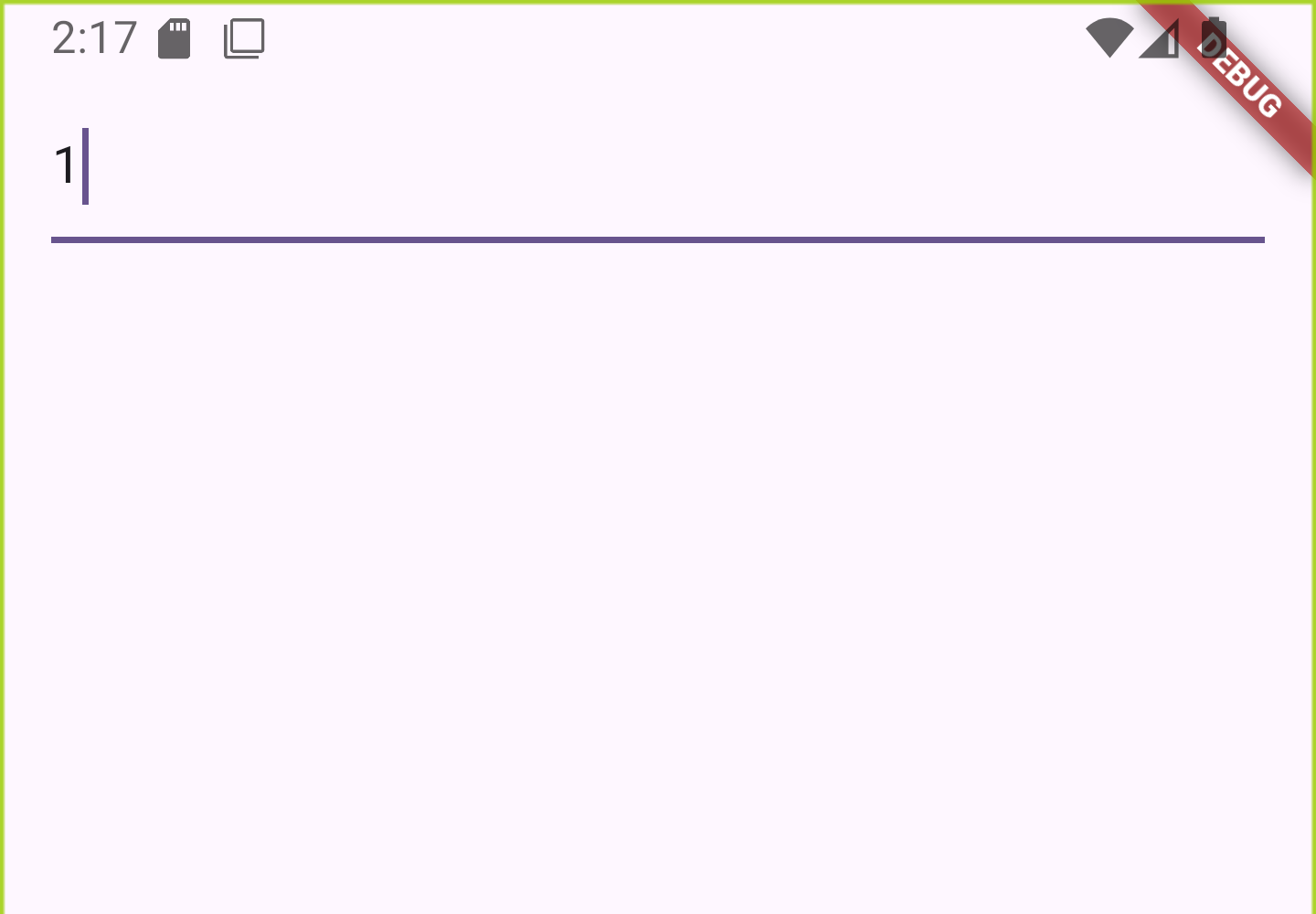
Consoleにメッセージが表示されました。
I/flutter ( 9668): zipCode: 1
続けて残りの郵便番号を入力してみます。 7桁入力すると住所が表示されました。
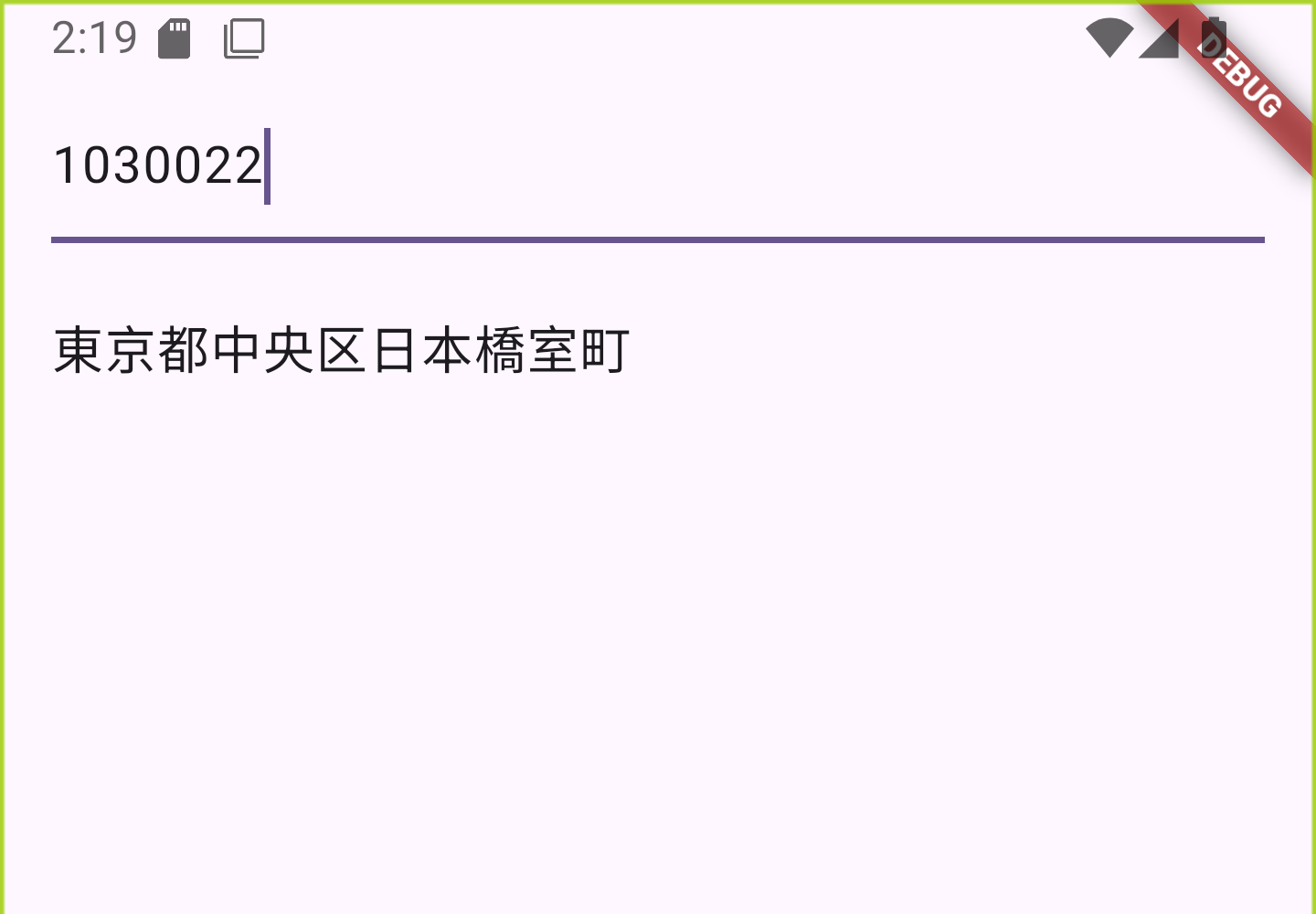
Consoleには入力の都度メッセージが表示されました。
I/flutter ( 9668): zipCode: 1
I/flutter ( 9668): zipCode: 10
I/flutter ( 9668): zipCode: 103
I/flutter ( 9668): zipCode: 1030
I/flutter ( 9668): zipCode: 10300
I/flutter ( 9668): zipCode: 103002
I/flutter ( 9668): zipCode: 1030022
I/flutter ( 9668): response.statusCode=200
I/flutter ( 9668): body={message: null, results: [{address1: 東京都,
 address2: 中央区, address3: 日本橋室町, kana1: トウキョウト, kana2: チュウオウ
ク, kana3: ニホンバシムロマチ, prefcode: 13, zipcode: 1030022}], status: 200
}
I/flutter ( 9668): zipCode: 10
I/flutter ( 9668): zipCode: 103
I/flutter ( 9668): zipCode: 1030
I/flutter ( 9668): zipCode: 10300
I/flutter ( 9668): zipCode: 103002
I/flutter ( 9668): zipCode: 1030022
I/flutter ( 9668): response.statusCode=200
I/flutter ( 9668): body={message: null, results: [{address1: 東京都,
address2: 中央区, address3: 日本橋室町, kana1: トウキョウト, kana2: チュウオウク, kana3: ニホンバシムロマチ, prefcode: 13, zipcode: 1030022}], status: 200}1文字削除したところ郵便番号7桁を入力してくださいと表示されました。
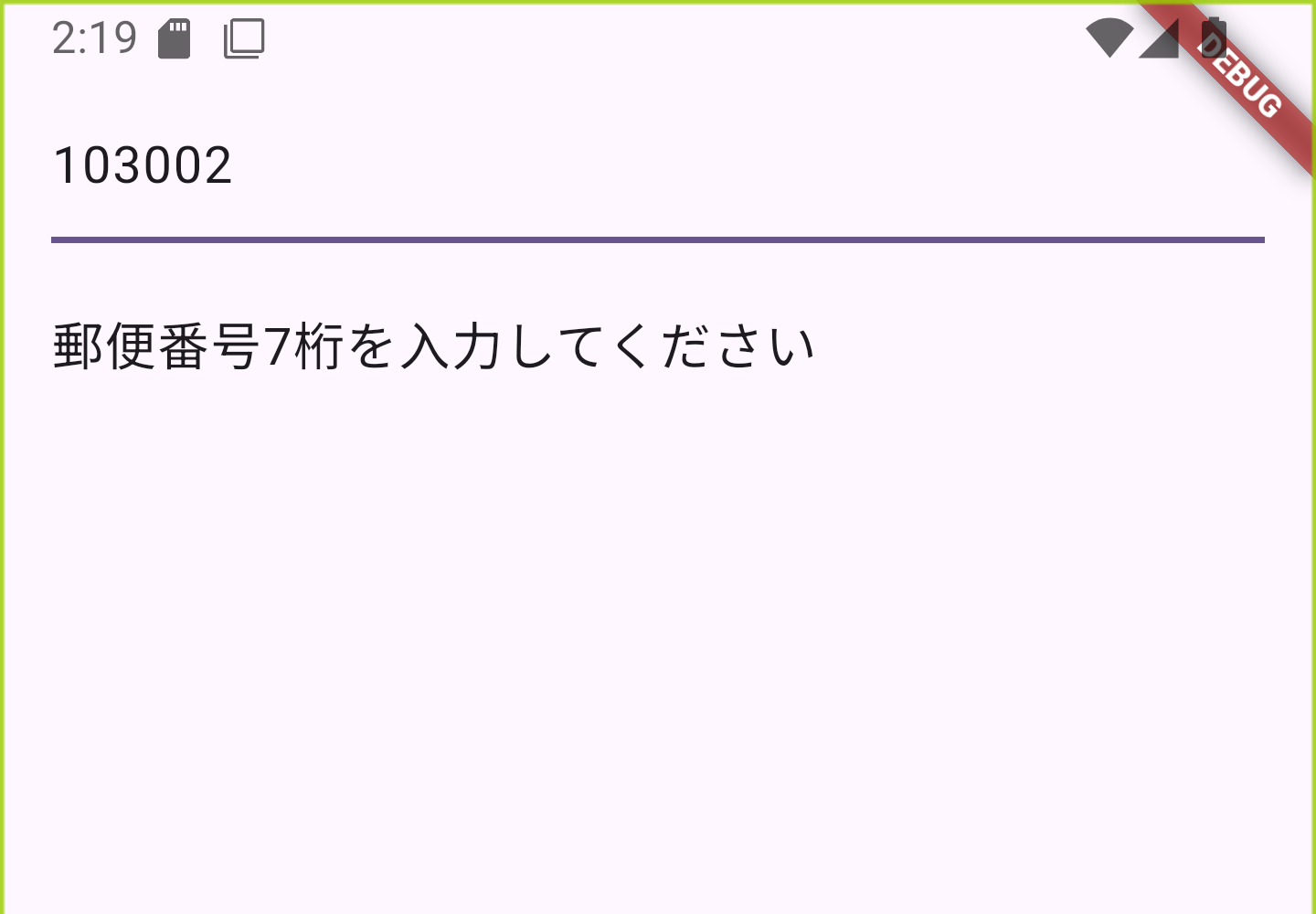
Consoleには1文字減らした文字が表示されました。
I/flutter ( 9668): zipCode: 103002
適当な郵便番号を入力したところ郵便番号がありませんと表示されました。
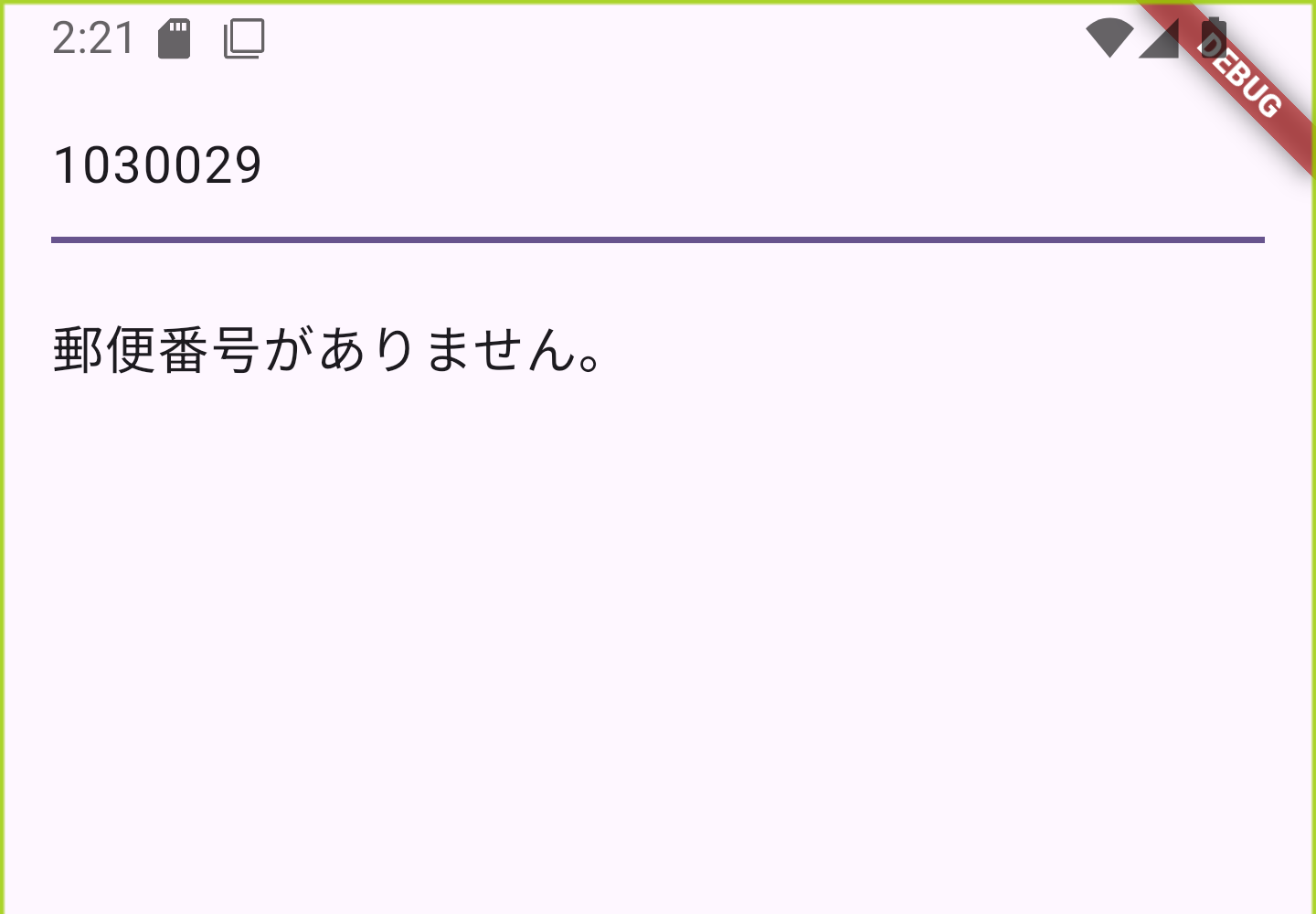
Consoleにはresponse.statusCode=200とresults: nullが表示されました。
I/flutter ( 9862): zipCode: 1030029
I/flutter ( 9862): response.statusCode=200
I/flutter ( 9862): body={message: null, results: null, status: 200}
I/flutter ( 9862): results.isEmpty.
I/flutter ( 9862): response.statusCode=200
I/flutter ( 9862): body={message: null, results: null, status: 200}
I/flutter ( 9862): results.isEmpty.
期待通りに動作しました。
Copyright (C) 2025 ymlib.com