数字を入力し加算した結果を表示してみます。
◆環境
| OS |
Windows 10 Home 22H2 64bit OS x64 プロセッサ |
| Flutter |
3.24.2 |
| Dart |
3.5.4 |
| Android Studio |
Iguana 2023.2.1 Patch 1 |
[New]-[New Flutter Project...]出プロジェクトを作成します。
プロジェクト名は「ymflu006」としました。
~/lib/main.dartのコメント行を全て削除します。
数字を2つ入力し「加算」ボタンを押すと計算結果を表示するようにしてみます。
|
main.dart
|
1:
2:
3:
4:
5:
6:
7:
8:
9:
10:
11:
12:
13:
14:
15:
16:
17:
18:
19:
20:
21:
22:
23:
24:
25:
26:
27:
28:
29:
30:
31:
32:
33:
34:
35:
36:
37:
38:
39:
40:
41:
42:
43:
44:
45:
46:
47:
48:
49:
50:
51:
52:
53:
54:
55:
56:
57:
58:
59:
60:
61:
62:
63:
|
class _MyHomePageState extends State<MyHomePage> {
final TextEditingController _ctlA = TextEditingController();
final TextEditingController _ctlB = TextEditingController();
String _msg = '計算結果';
void _myAdd() {
int? a = int.tryParse(_ctlA.text);
debugPrint('a: $a');
int? b = int.tryParse(_ctlB.text);
debugPrint('b: $b');
_msg = """
$a + $b = ${(a!+b!).toString()}
""";
debugPrint('_msg: $_msg');
setState(() {
_ctlA.clear();
_ctlB.clear();
});
}
@override
Widget build(BuildContext context) {
return Scaffold(
appBar: AppBar(
backgroundColor: Theme.of(context).colorScheme.inversePrimary,
title: Text(widget.title),
),
body: Padding(
padding: const EdgeInsets.all(20.0),
child: Column(
mainAxisAlignment: MainAxisAlignment.center,
children: <Widget>[
TextField(
controller: _ctlA,
keyboardType: TextInputType.number,
decoration: const InputDecoration(
labelText: 'a'
),
),
TextField(
controller: _ctlB,
keyboardType: TextInputType.number,
decoration: const InputDecoration(
labelText: 'b'
),
),
ElevatedButton(
onPressed: _myAdd,
child: const Text('加算'),
),
Text(
_msg,
style: const TextStyle(fontSize: 24),
),
],
),
),
);
}
}
|
|
実行してみます。
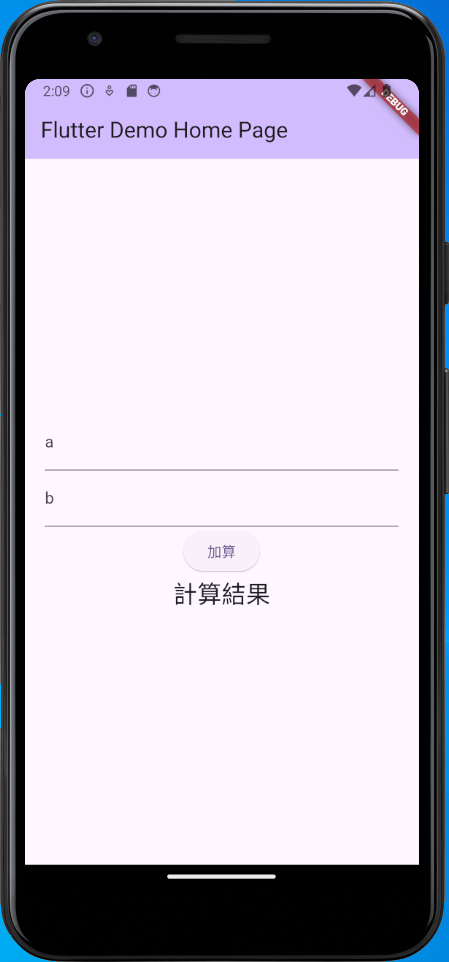
aに数字を入力します。
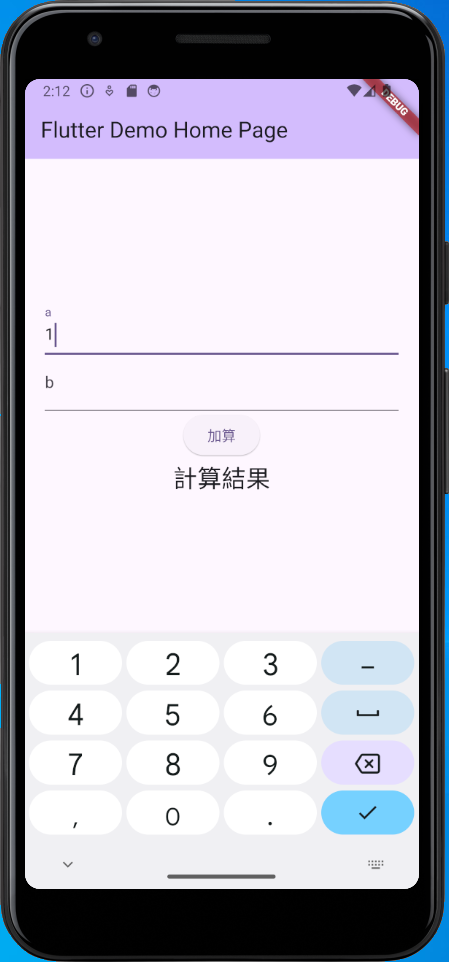
続けてbに数字を入力します。
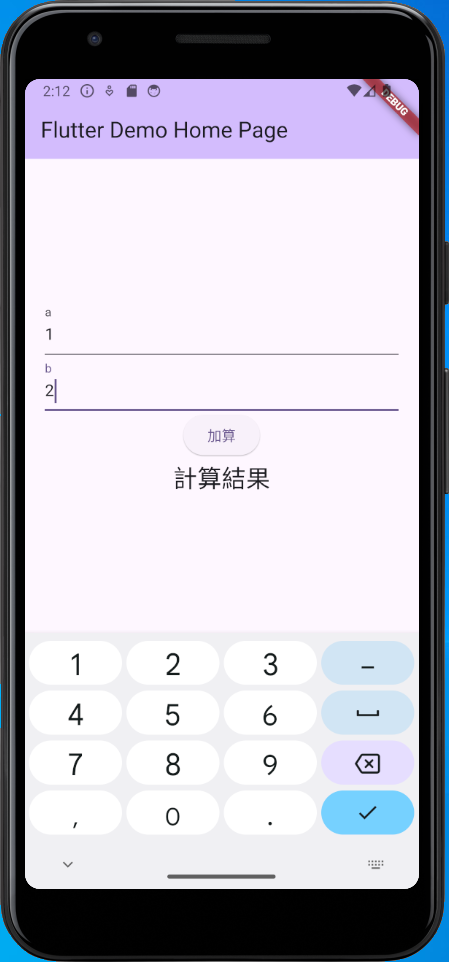
「加算」ボタンを押します。
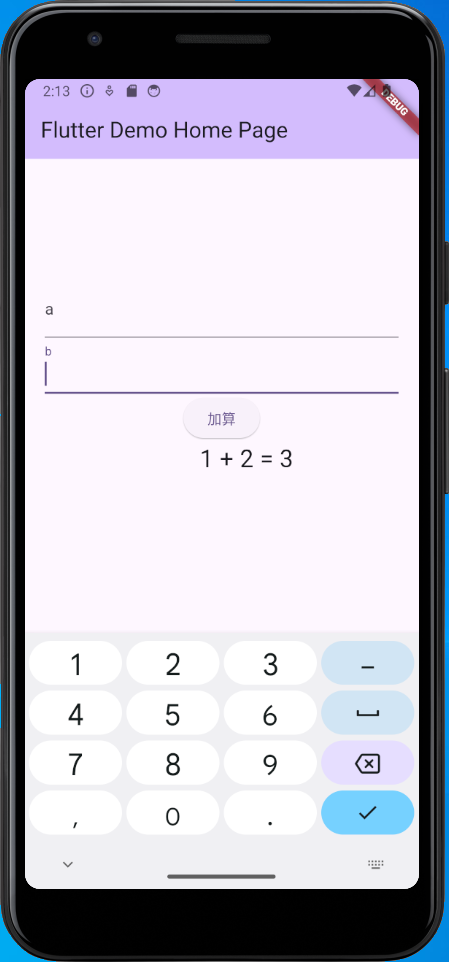
計算式と計算結果が表示されました。
コンソールにもメッセージが表示されました。
I/flutter ( 1830): a: 1
I/flutter ( 1830): b: 2
I/flutter ( 1830): _msg: 1 + 2 = 3
I/flutter ( 1830):
期待通りに動作しました。
▲ PageTop ■ Home
Copyright (C) 2024 ymlib.com
