
イベントリスナーを使ってみます。
◆環境| OS | Windows 11 Home 25H2 |
|---|---|
| Browser | Google Chrome 143.0.7499.193 |
index.htmlではscriptタグでmain.jsを指定します。 イベントリスナーで使うbuttonタグを追記しました。
| index.html | ||
|
main.jsではquerySelectorでbuttonのDOMを取得しaddEventListnerでfn関数を指定します。
| main.js | ||
|
index.htmlを右クリックしOpen with Live Serverをクリック後、開いたブラウザでF12でDeveloper toolsを開きボタンをクリックしたところDeveloper toolsのConsoleにHello!!と表示されました!
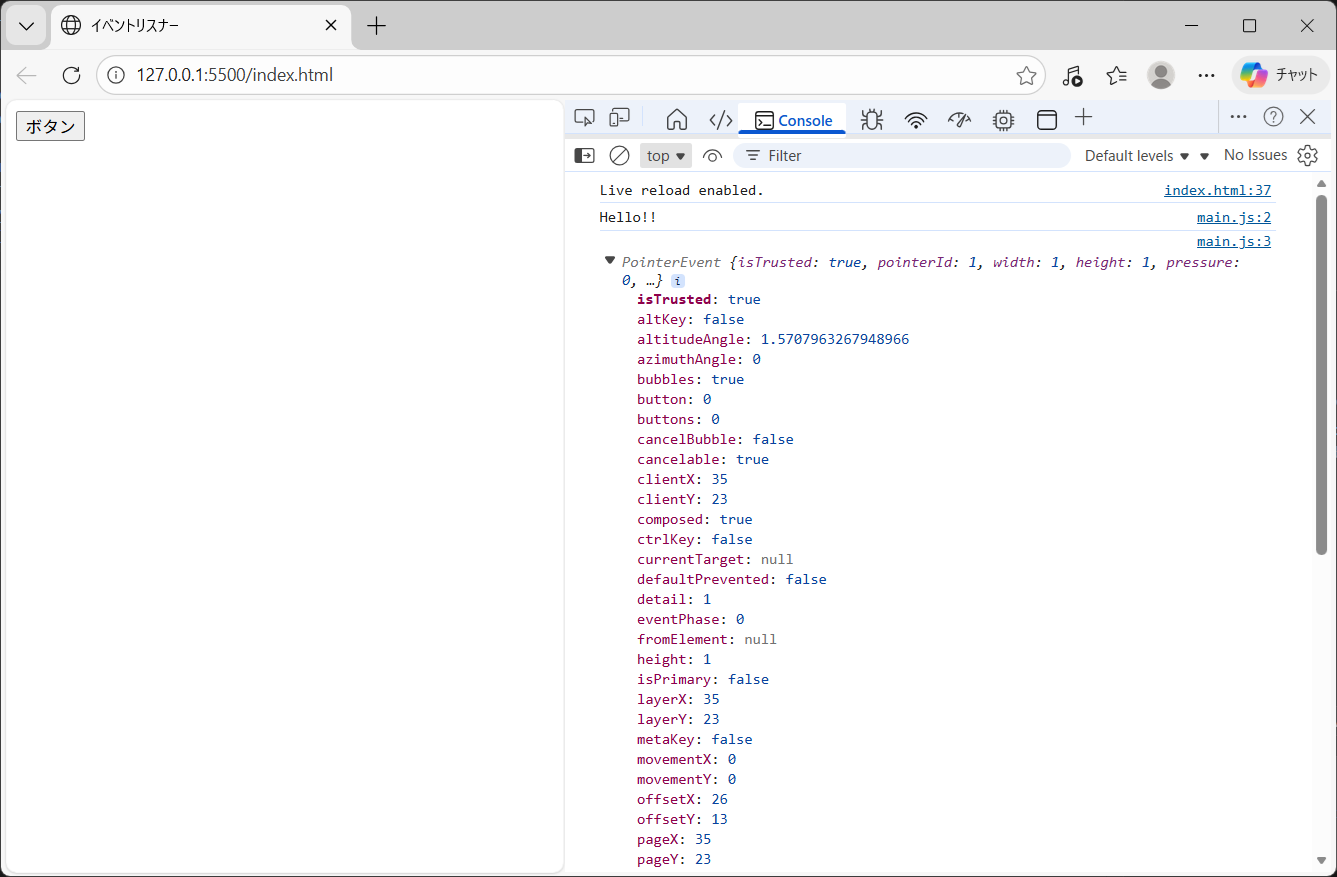
期待通りに動作しました。
Copyright (C) 2026 ymlib.com